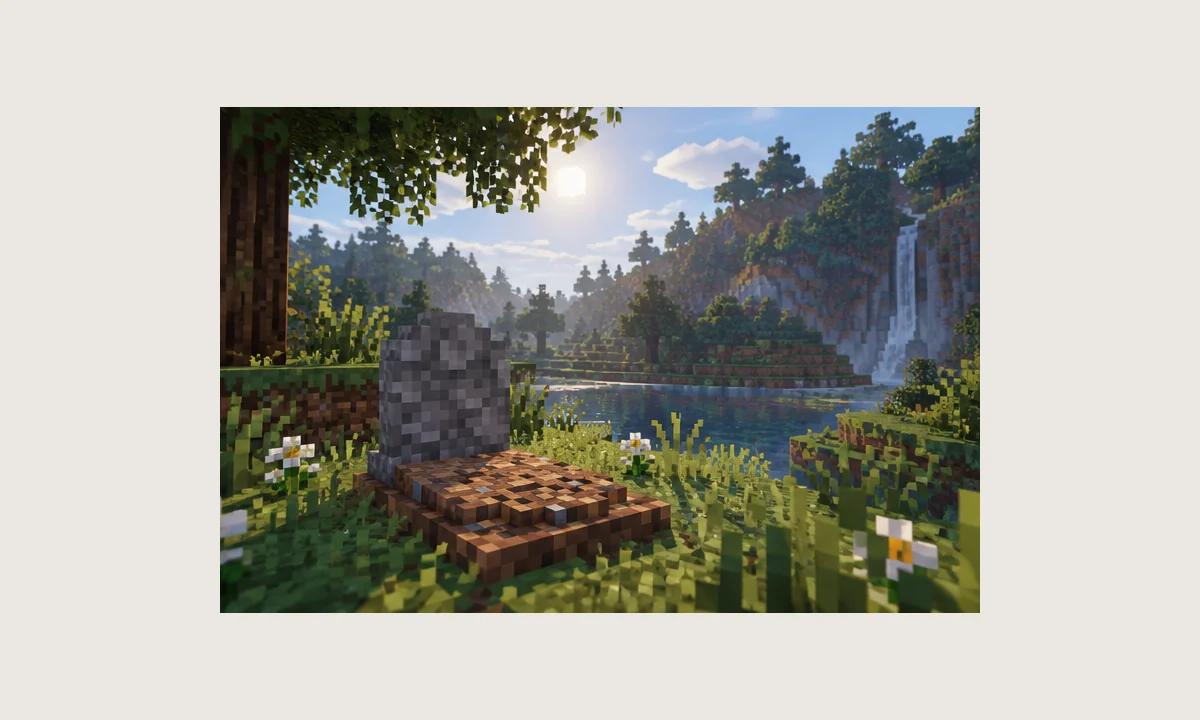
The fastest way to troubleshoot GraveStone Mod is to separate startup problems from in-world behavior. A game that cannot reach the main menu needs a different investigation from a game that starts correctly but fails to create or recover a grave.
If Minecraft crashes during startup
First verify Minecraft version, loader family, loader version, and mod build. Then read the first relevant error in the crash report instead of focusing only on the final stack trace line.
Common causes include wrong-loader files, missing dependencies, duplicate mods, or a Java version that does not match the loader's requirements. Fix one variable at a time and keep notes.
If no grave appears after death
Confirm that the mod is actually loaded, then test in a simple overworld location with ordinary inventory items. Complex dimensions, blocked placement areas, or other death-handling mods can make the first test harder to interpret.
If the simple test works, reproduce the original conditions gradually. That can reveal whether the issue is location-specific, configuration-related, or caused by another mod.
If duplicate graves appear
Look for another grave, corpse, death chest, or inventory-recovery mod. Two systems can respond to the same death event and create overlapping results.
On multiplayer, compare the server mod list with the client list. If a server-side mod provides the grave mechanic, adding a second client-side system may not produce the behavior you expect.
Performance and safe rollback
A grave utility is usually a small part of total modpack load, but very large packs can magnify conflicts or entity/block counts. Measure startup time, memory use, and tick performance before and after the change rather than guessing.
If the change causes problems, restore the backed-up mods and configuration together with the known-good world copy. Rolling back only one file can leave the test environment inconsistent.